Paste or share a link
Start with a supported URL, or share a link from another app.
 VidPik
VidPik for Android
Save from supported sources. Choose a format, manage your downloads, and watch saved videos in one app.
On Google Play as “Video Downloader & Player” by MRD APP WORLD.

From link to library
Save only media you own or have permission to download.
Start with a supported URL, or share a link from another app.
Use the built-in browser to inspect media available on a supported page.
Review source-dependent video or audio options before saving.
Follow active transfers and find completed files in one place.
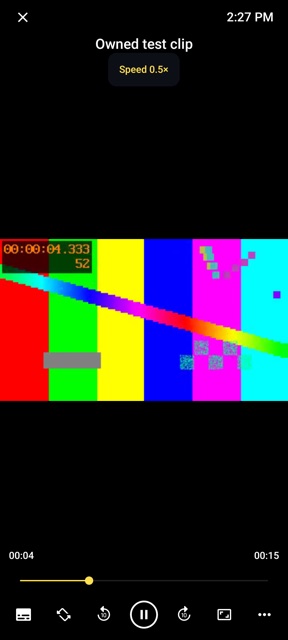
Open completed videos with the built-in offline player.
Keep selected files in the private folder. Review its limits before using it for sensitive content.
Download or save media that you own or have permission to download. VidPik does not support YouTube downloads. Source availability and formats vary.
The media workbench
Calculate a file size, budget your storage, or check a format. These tools work without installing VidPik.
Estimate storage from bitrate and duration.
Open toolFree browser toolWork backwards from a target file size.
Open toolFree browser toolPlan a transfer using actual connection speed.
Open toolFree browser toolSee how many videos fit in your available space.
Open toolFree browser toolCompare 360p through 2160p and pixel counts.
Open toolFree browser toolCheck container and codec considerations.
Open toolUnderstand your files
A 1080p label alone cannot tell you a video’s file size. Bitrate, duration and audio matter too. Start with a practical guide.
No. Downloading depends on the source and the available media. Protected streams and some websites are unsupported. YouTube downloading is not supported.
Choose from the options returned for a supported source. An HD, 4K or audio option is available only when that source and the app offer it. Some features may require Pro or an available rewarded unlock.
VidPik includes a player for saved videos. Check that a download has finished and test playback before you travel.
The Google Play listing offers installation with ads and in-app purchases. Check Google Play for current availability and purchase terms.